Introduction
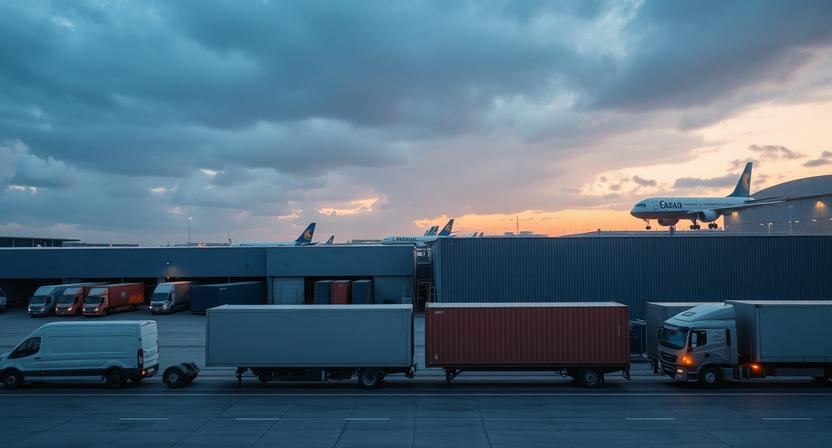
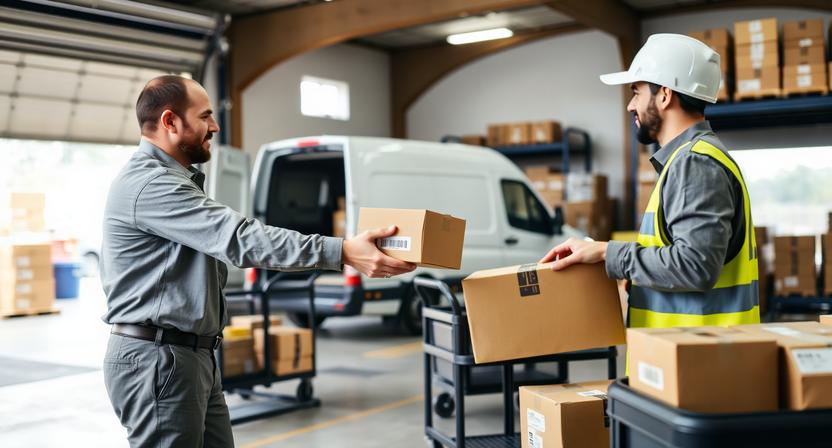
Received by Local Delivery Company is a common tracking status that usually appears after a parcel has completed the long-distance part of its journey and is handed to a local delivery partner for the final stage. This is often called last-mile delivery.
The exact wording can vary between carriers, marketplaces, and postal operators. Similar updates may include phrases such as handed to local carrier, transferred to delivery partner, or received by local courier. In most cases, they all point to the same general step in the shipping process.
What “Received by Local Delivery Company” Means
In simple terms, this status means the package has been accepted by a local or regional delivery provider. That provider is usually the company responsible for bringing the parcel to the recipient’s address.
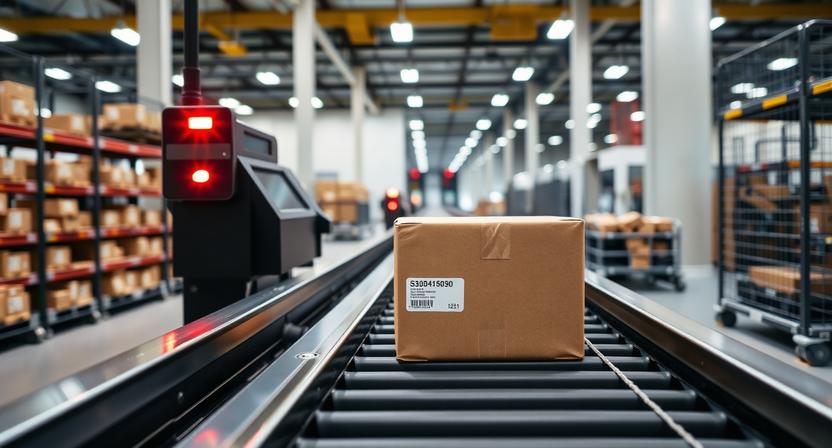
This is an important handoff point, but it does not automatically mean the parcel is out for delivery. The package may still need to be unloaded, sorted, assigned to a route, or moved to a nearby delivery unit before the final delivery attempt happens.
Where This Status Fits in the Shipping Process
This status usually appears near the end of the shipment journey. A typical sequence looks like this:
- The sender processes and ships the order.
- The parcel moves through export, line-haul, or destination-country transit.
- The shipment reaches a destination hub, import facility, or transfer point.
- The local delivery company receives the parcel for final delivery.
- The package is sorted, scheduled, and then delivered.
Depending on the shipping method, there may be extra steps before or after the handoff. Some carriers show many scans, while others provide only a few public updates.
Why This Status Appears
There are several common reasons why this tracking update appears:
- The original carrier does not deliver all the way to the final address in the destination area.
- The shipment is transferred to a postal service, courier, or regional contractor that handles local delivery.
- The tracking system records the handoff when the parcel is scanned or electronically acknowledged by the next carrier.
In cross-border shipping, this update is especially common because the company that carries the parcel internationally is often different from the one that completes delivery locally.
How Long a Package May Stay on This Status
There is no single timeframe that applies to every shipment. Some parcels move past this status quickly, while others may remain on it for several days before a new scan appears.
How long it lasts can depend on factors such as:
- The destination area and distance from the transfer hub.
- Local sorting volume and operational workload.
- Weekends and public holidays.
- Weather disruptions.
- Address verification or routing issues.
- How often the local carrier publishes tracking scans.
A delay at this stage does not always mean something is wrong. In many cases, it simply means the parcel is waiting to be processed by the final-mile provider.
Common Tracking Updates That May Follow
After Received by Local Delivery Company, the next update may vary by carrier. Common follow-up statuses include:
- Local facility processing or sorting complete.
- Arrived at delivery unit or destination depot.
- Out for delivery.
- Delivered.
Some carriers provide detailed step-by-step scans, while others may jump from this handoff status directly to Out for delivery or Delivered.
Reasons Tracking May Not Update Immediately
It is normal for tracking to pause for a while after the parcel is received by the local delivery company. Common reasons include:
- The parcel is waiting for intake, unloading, or sorting.
- Tracking scans are uploaded in batches rather than in real time.
- The package is moving between regional facilities without a public-facing scan.
- The local carrier shares limited tracking details with the marketplace or original shipper.
This can make it seem as though the package has stopped moving, even when it is still progressing through the network.
What to Do After Seeing This Status
If you see this update, the most useful next steps are usually simple:
- Keep checking tracking on both the seller’s platform and the final-mile carrier’s website, if the local carrier can be identified.
- Make sure the delivery address is correct and complete.
- Watch for delivery notifications, missed-attempt notices, or mailbox updates.
- Allow extra time for local intake and sorting.
- Contact the seller or shipping provider if the tracking remains unchanged for an unusually long period.
If the local carrier becomes visible in the tracking details, its own website may show more specific updates than the original seller or marketplace page.
When This Status Could Indicate a Problem
Most of the time, this status is routine. However, it can sometimes point to a problem if there is no sign of progress for an extended period.
Possible warning signs include:
- No movement well beyond the usual local delivery window for the destination.
- Repeated handoff-related updates without any later sorting or delivery scan.
- Tracking elsewhere shows address problems or unsuccessful delivery attempts.
- The seller or carrier confirms a delivery partner issue.
Even in these situations, a delay does not automatically mean the parcel is lost. It may still be waiting for processing, rerouting, or a corrected address instruction.
Difference Between Similar Tracking Statuses
| Status | What it usually means |
|---|---|
| Received by local delivery company | The parcel has been handed to the last-mile provider that should complete final delivery. |
| Arrived at local facility | The package has reached a nearby hub or sorting center, but it may not yet be assigned for delivery. |
| Out for delivery | The parcel is usually with a driver or courier and is expected to be delivered that day. |
| Delivered | The shipment has been marked as completed at the destination. |
The main difference is that Received by Local Delivery Company refers to the handoff to the final carrier, not the actual delivery attempt.
FAQ
Does this mean my package is in my city?
Not always. It often means the shipment has reached the local or regional delivery network, but that network may cover a wider area than one city. The parcel could still be at a regional hub before moving to the final delivery unit.
Is the parcel already out for delivery?
No. This status usually means the parcel has been transferred to the company that will make delivery, but it may still need sorting or route assignment first. A separate Out for delivery update usually appears when delivery is actively underway.
Who is the local delivery company?
It may be a postal operator, courier, or regional contractor that serves the destination address. Sometimes the tracking page names that company directly, but sometimes it does not.
Why can’t I see new scans?
The most common reasons are delayed scan uploads, limited tracking visibility from the final-mile carrier, or the parcel moving internally without a public update. This is fairly common during handoff and sorting stages.
What should I do if tracking stays the same?
Continue monitoring the tracking for a bit longer, especially if the update is recent. If there is still no movement after an unusually long time for your destination, contact the seller or shipping provider and ask whether the final-mile carrier has more information.
Conclusion
Received by Local Delivery Company generally means the shipment has entered the final stage of delivery with a local partner. It is usually a normal handoff update rather than a sign of a problem.
The next scan depends on how quickly the local carrier processes the parcel and how detailed its tracking system is. In some cases, the next update appears quickly. In others, it may take several days before the package shows sorting, out-for-delivery, or delivery confirmation.